Birthday list
Type each person's name and birthday. Your list sorts itself by month, and you can print it. It's free, with no account.
The year is optional. With it, your list shows the age they turn.
Your list stays in this browser tab, and it's gone when you close the tab. Greetigo doesn't see it unless you ask for the emails below.
Your list by month
Your list shows here, sorted by month, as you type.
Get an email the day before each birthday
Add a name and a birthday above, and Greetigo can keep your list and email you before each birthday.
See these birthdays as a calendar
Keeping a list for a team? Use the employee birthday list.
How to make a birthday list
Write down each person's name and birthday, then sort them by month so the year reads in order. The list at the top of this page does the sorting for you.
- Gather the dates you know: your phone's contacts, your calendar, old cards, or the family group chat. For the ones you don't know, here is how to ask someone for their birthday.
- Type each name and birthday into the list. Leave the year empty if you don't know it.
- Check the list by month, then print it.
- Decide how you'll be reminded. A list on paper only helps on the days you look at it.
Birthday list template
Print a blank list for a template to fill in by hand: a section for each month, January to December, with lines for the day and the name. Or fill in the list at the top of the page first and print it already sorted. Both print black on white, with only a small greetigo.com/birthday-list line at the bottom.
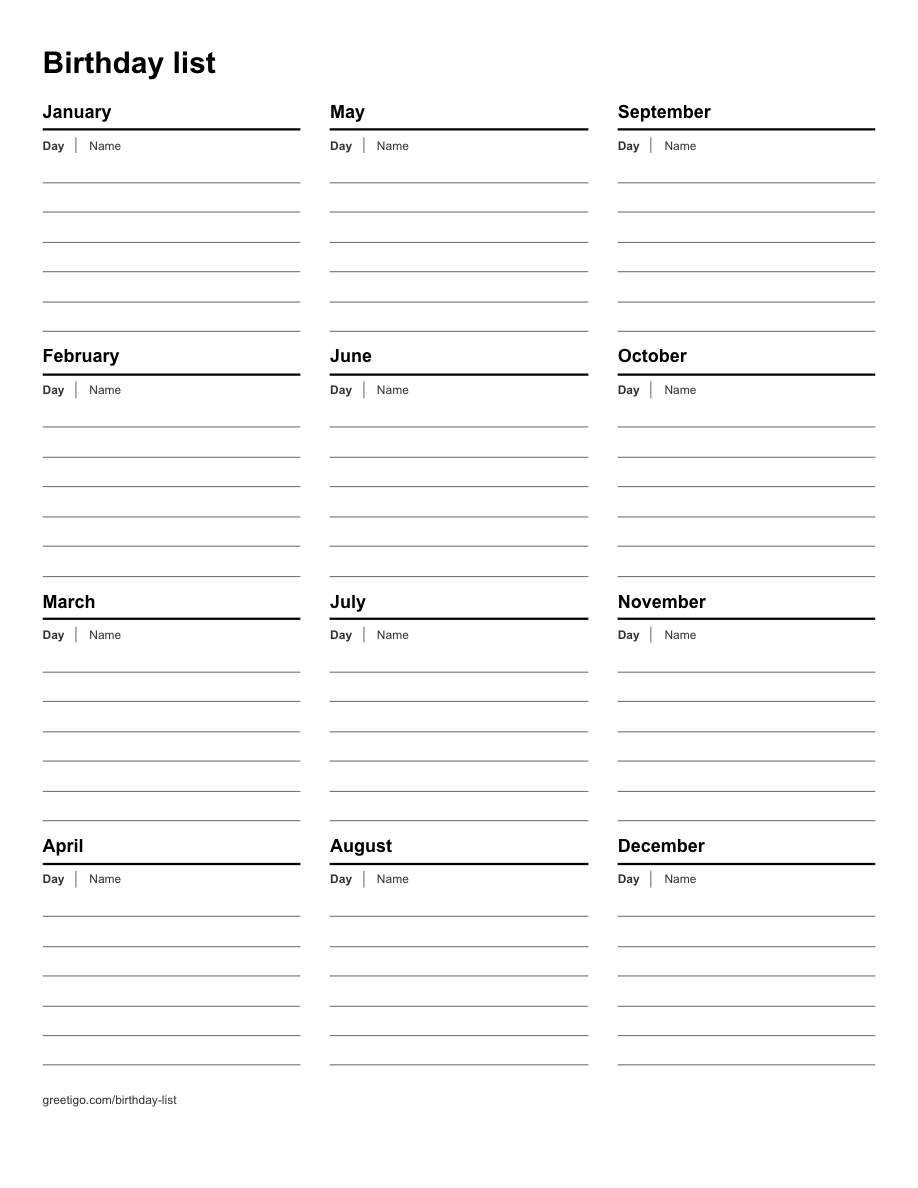
Download the blank list (PDF), one US Letter page
Family birthday list
Start with the people you celebrate: parents, brothers and sisters, grandparents, children, nieces and nephews, and their partners. Add the year for the children, and the list shows the age each one turns. A printed copy on the fridge, or a photo of it in the family group chat, lets everyone check it.
If you are the one who always keeps the family's birthdays, see how to keep track of family birthdays.
Employee or staff birthday list
Ask each person once for their birthday; the day and the month are enough. The year is optional, so leave it empty if you would rather not show ages on a staff list, and let anyone who prefers not to share skip it.
A manager who also wants work anniversaries, and a reminder before each date, can use the employee birthday tracker.
Birthdays and anniversaries in one list
The list on this page is for birthdays. In a Greetigo account you can keep birthdays, anniversaries and work anniversaries in the same list, each with its own reminder email. To keep anniversaries on paper too, print a blank list and write them in.
Looking for a birthday list you already have?
Most people already have one, spread over a few places:
- On an iPhone: the birthdays saved on your contacts, which the Calendar app shows in its Birthdays calendar. See birthday reminders on iPhone.
- On Android or in Google: the birthdays in Google Contacts, which Google Calendar can show in its Birthdays calendar. See birthday reminders on Android.
- In Outlook: the Birthdays calendar. See birthday reminders in Outlook.
- On Facebook: in the app, tap Menu, then Friends, then Birthdays at the top. Facebook's help pages don't describe a way to export your friends' birthdays. See Facebook birthday notifications.
- On this computer: a spreadsheet or a document. Search for "birthday" in your files: on Windows with the search box on the taskbar, on a Mac with Spotlight. See birthday reminders from a spreadsheet.
Found it? Copy the names and dates and use Paste a list at the top of this page. After you sign in, Greetigo's Add many at once also reads a spreadsheet, a contacts file (.vcf) or a calendar file (.ics), and you check every line before anything is saved.
A birthday calendar by month
A birthday calendar is the same list sorted by month. The list at the top of the page puts everyone under January to December, and printing it gives you a month-by-month sheet. For a calendar to fill in by hand, print the blank list.
Never miss a birthday on the list
A list on paper only helps on the days you read it. Greetigo keeps the list for you and emails you the day before each birthday and again that morning, with a message ready to send. The emails come to you, never to the people on your list. Free keeps up to 10 saved dates; Plus is US$4.99 a month and has no limit. See plans.
Frequently asked questions
Is this birthday list free?
Yes. Filling in the list, sorting it by month and printing it are free, with no account. If you want Greetigo to email you before each birthday, that is free for up to 10 saved dates; Plus is US$4.99 a month and has no limit.
Do I need an account?
No. You only need one if you want Greetigo to keep the list and email you before each birthday. Then you type your email address, open the link we send, and your list is there to check and save.
Can I print it?
Yes. Print my list prints your list sorted by month, and Print a blank list prints a sheet with each month and lines for the day and the name. Most browsers can also save it as a PDF from the same print window. Download spreadsheet (CSV) saves your list as a file for Excel, Google Sheets or Numbers; with nobody on the list, it is a blank one to fill in.
Does Greetigo see my list?
No, not while you make it. The list stays in this browser tab, and it's gone when you close the tab. Greetigo gets it only if you ask for the emails: then it keeps the list for 24 hours, so the link we email can bring it to whatever device you open it on, until you choose to save it or not. We count how many people are on a list and when one is printed or downloaded, never the names or the dates.
How many birthdays can I keep?
The list on this page holds up to 200 people. When you ask for the emails, up to 50 of them come with the link; add more after you sign in, with Add many at once. In your account, Free keeps up to 10 saved dates, and Plus and Premium have no limit.
Do I have to know the year?
No. The year is optional. When you add it, the list shows the age each person turns this year.